AI PHOTO ENHANCEMENT
Unblur Image
Unblur image details with AI.
Turn soft portraits, shaky snapshots, and compressed photos into clearer pictures. Upload your photo and the default model starts automatically, with no prompts or settings to learn.
1 credit per image Monthly plans or image packs No visible watermark
UNBLUR IMAGEIMAGE CREDITS
Upload your photo
Start with the original file for the most detail. Unblur Image accepts photos from your phone, camera, or photo library.
or drag and drop it here
JPG, PNG or WebP · Up to 20 MB per imageTry a sample · 1 credit per image
What can you unblur with UnblurPic?
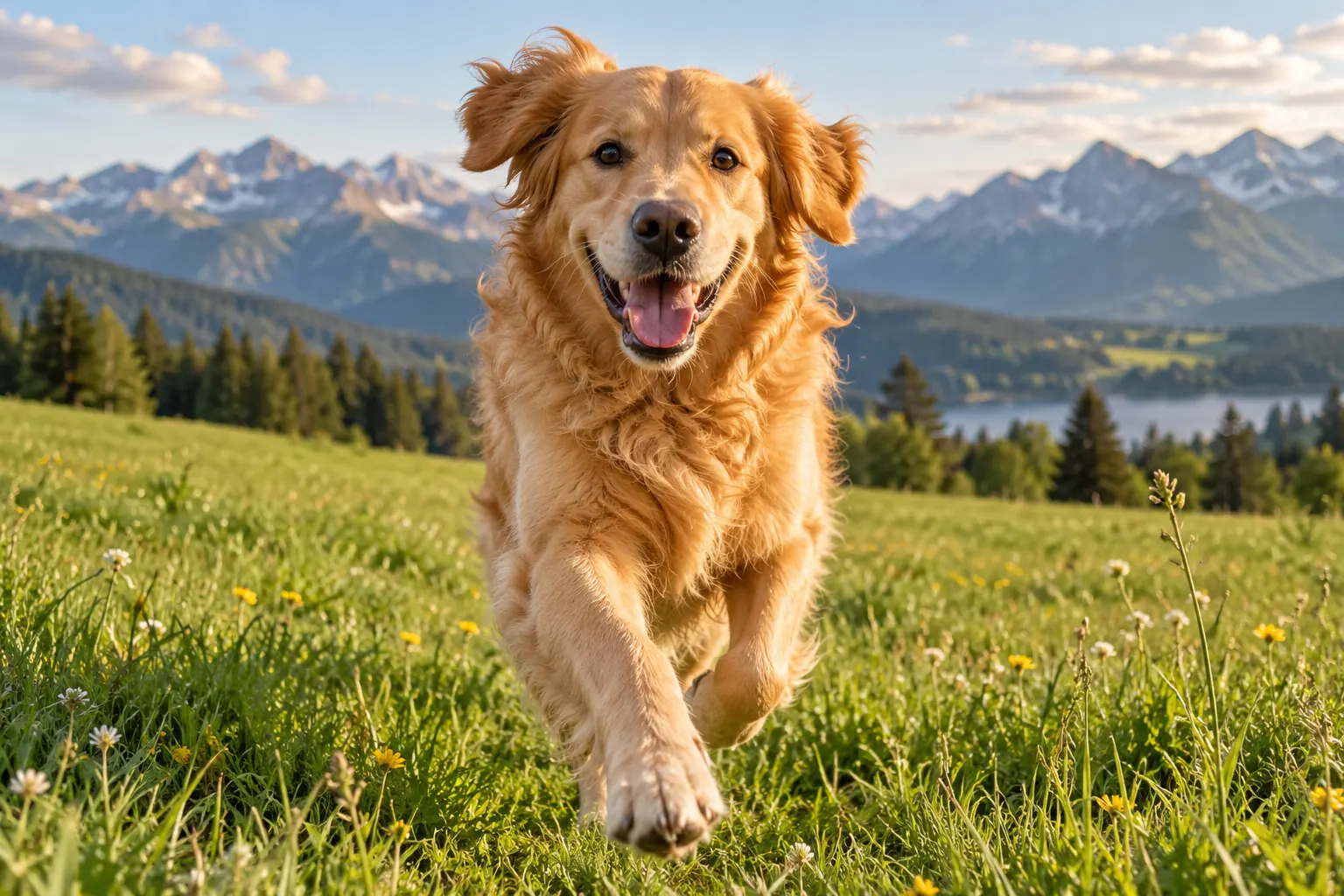
Pets & animal photos
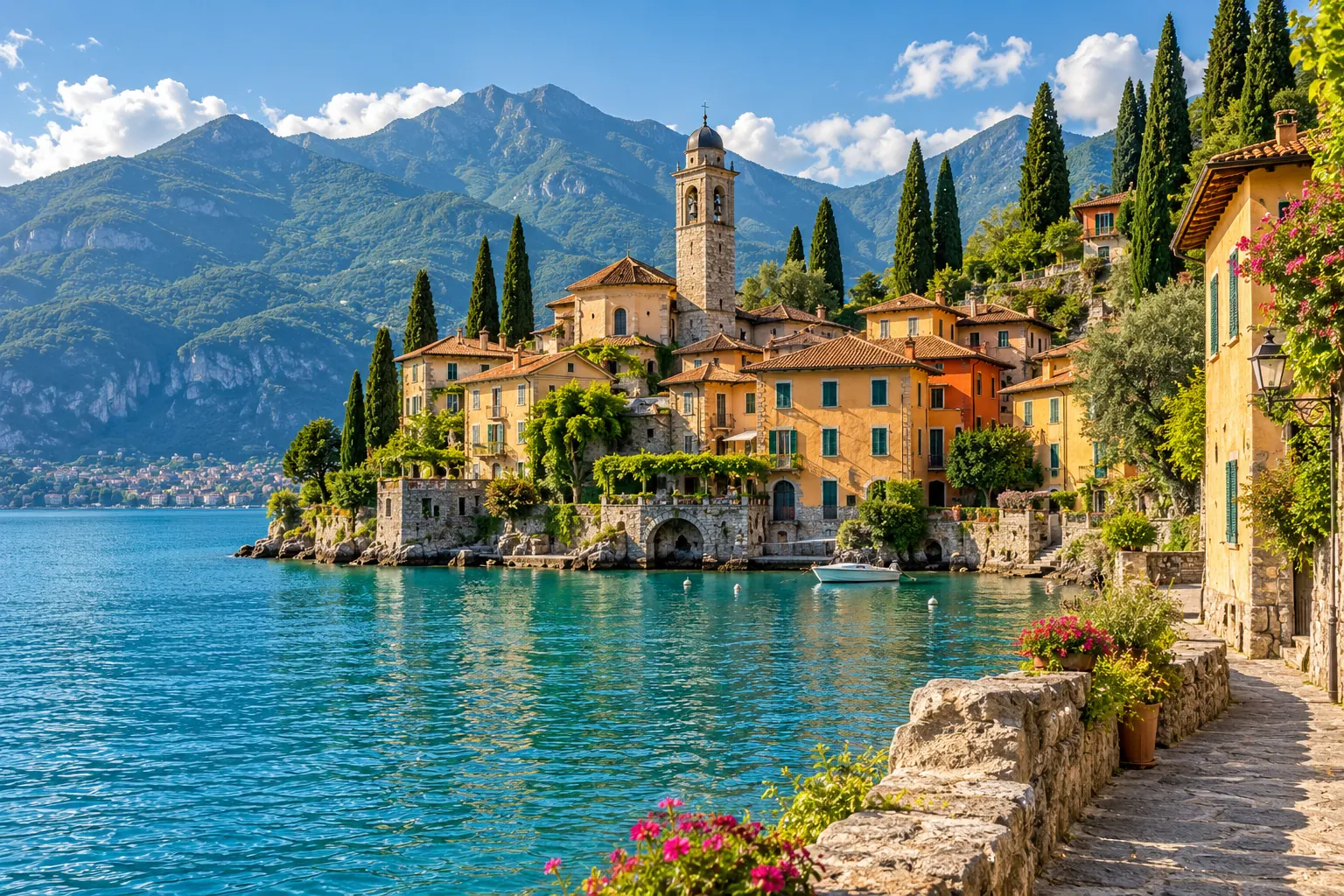
Travel & landscapes
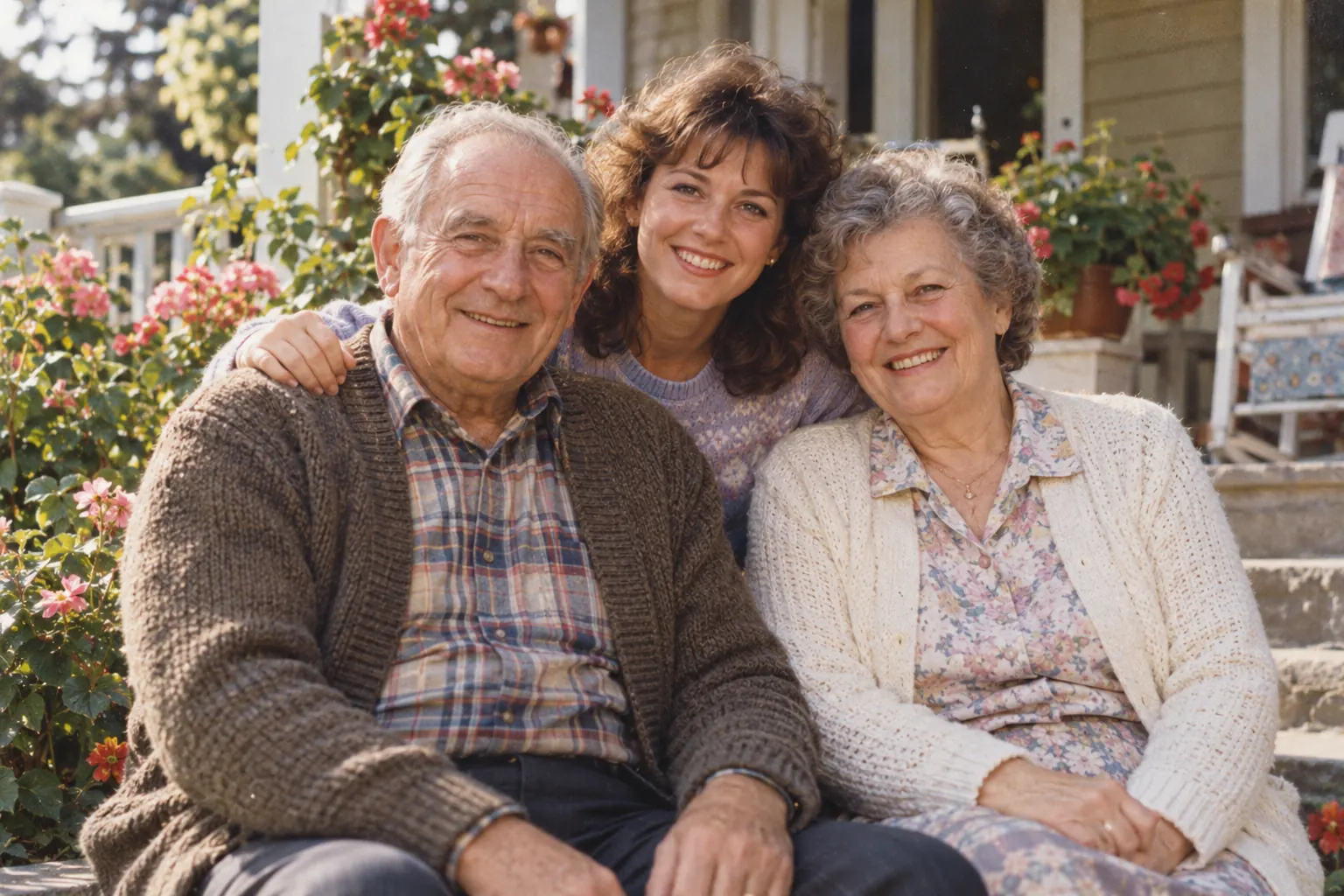
Family & old photos
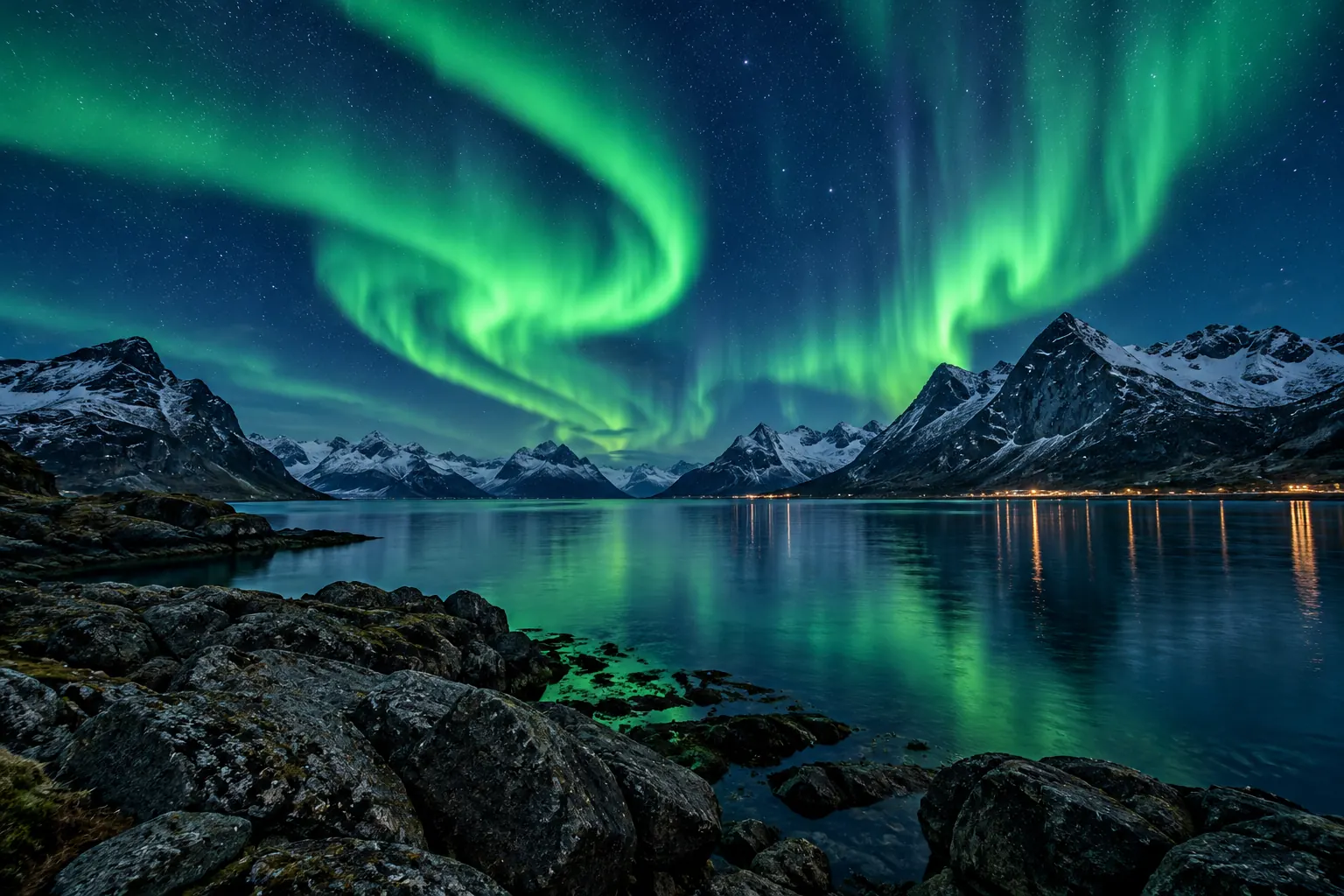
Night scenes & auroras
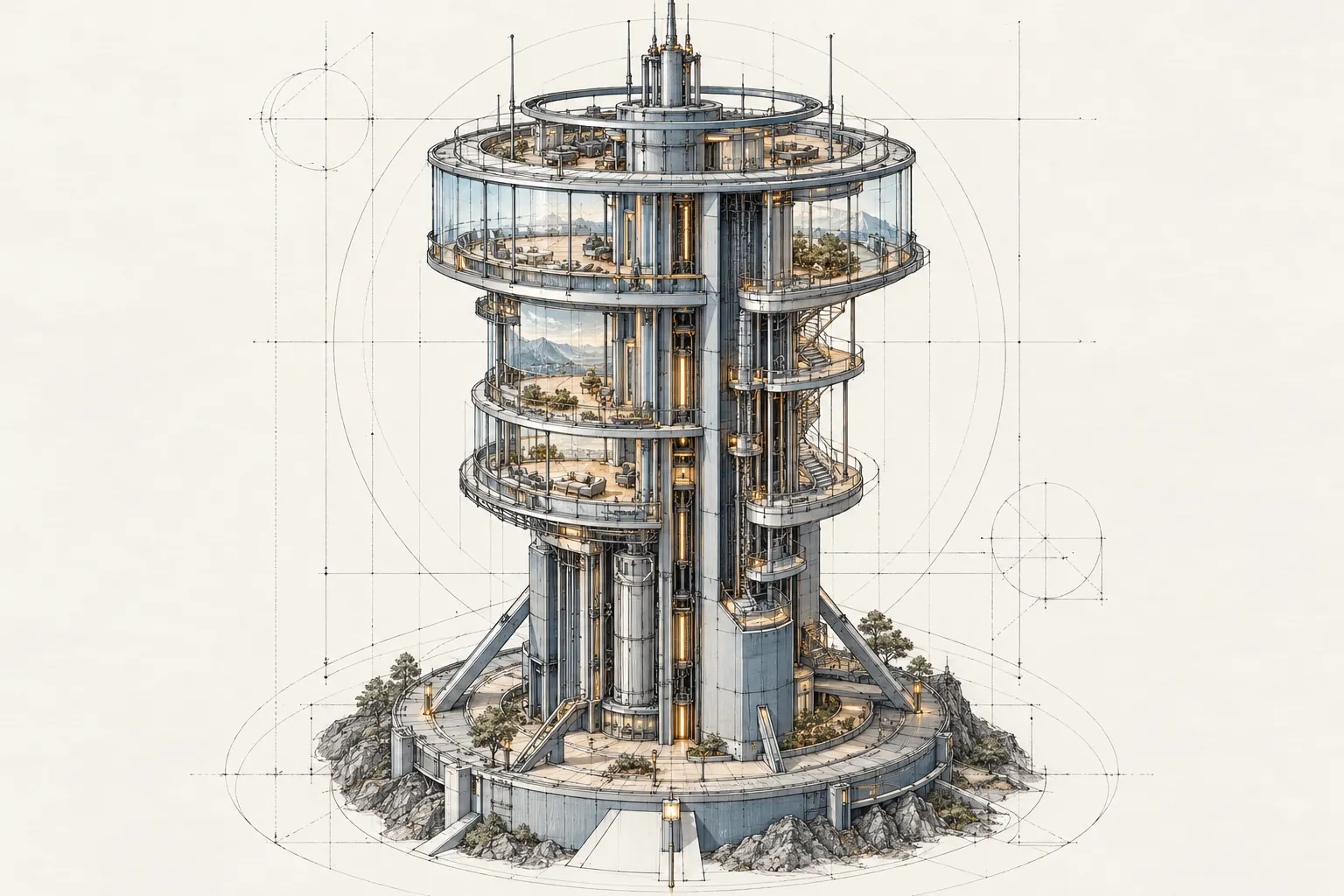
Illustrations & design
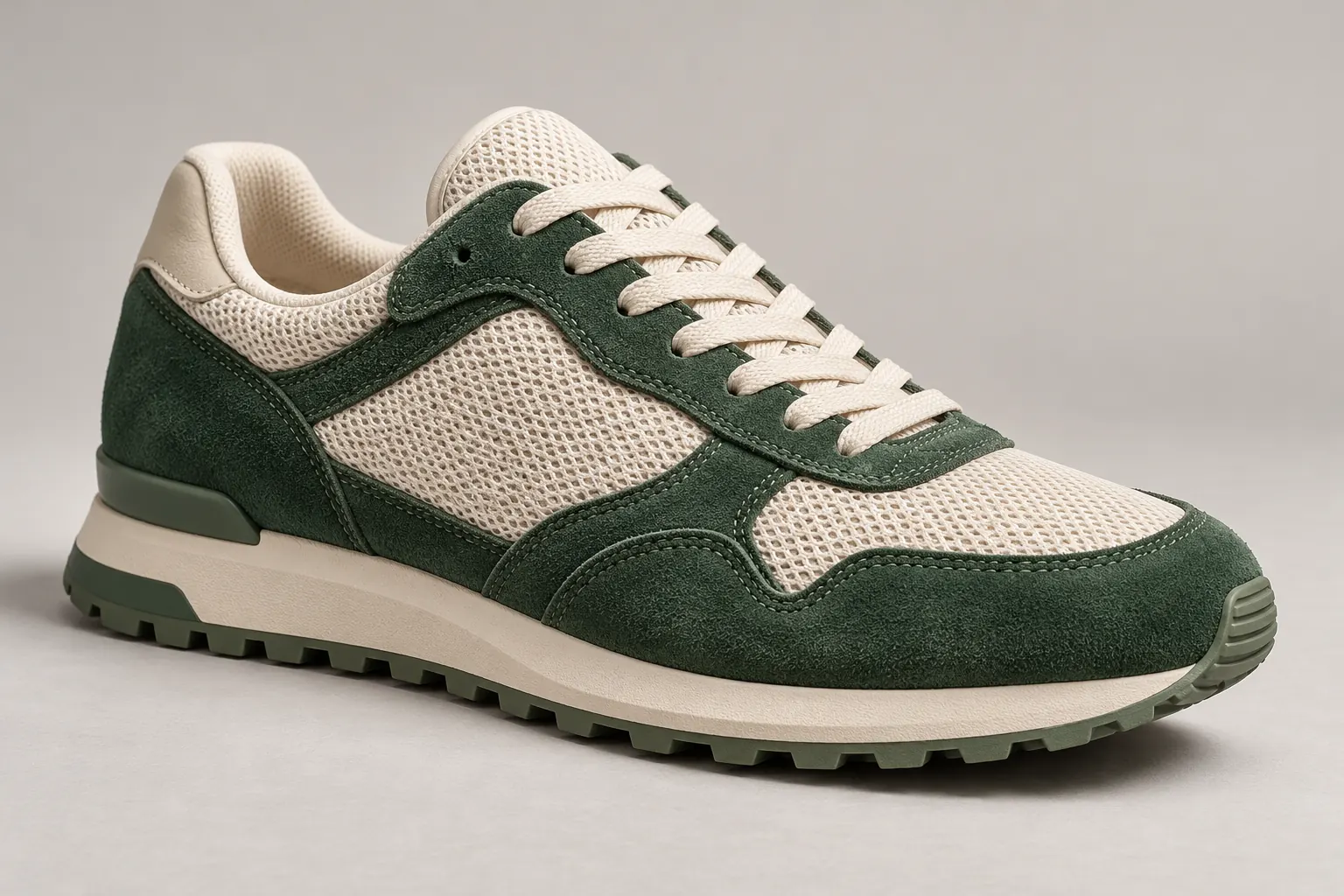
Products & online shops
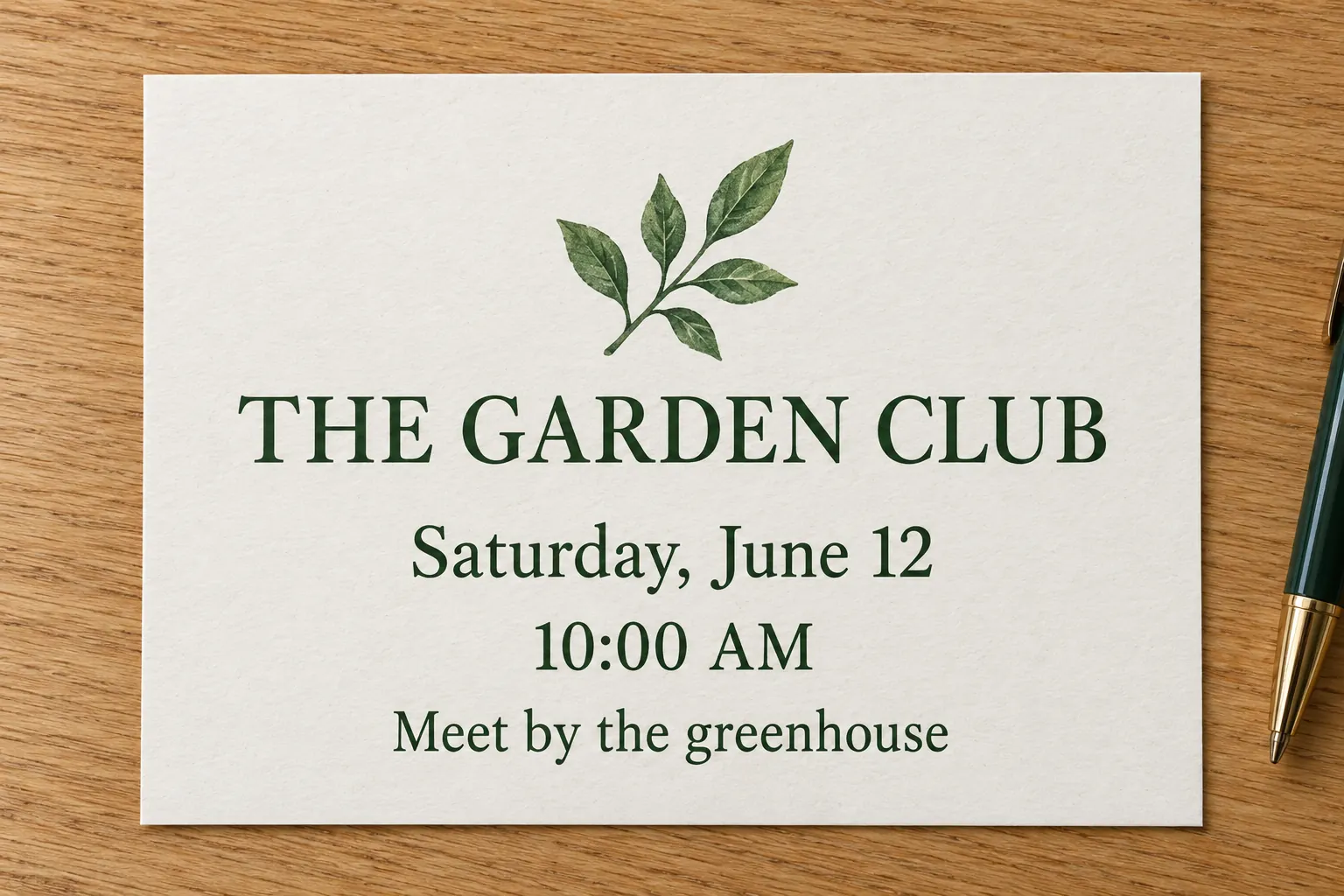
Text & document photos

Interiors & property
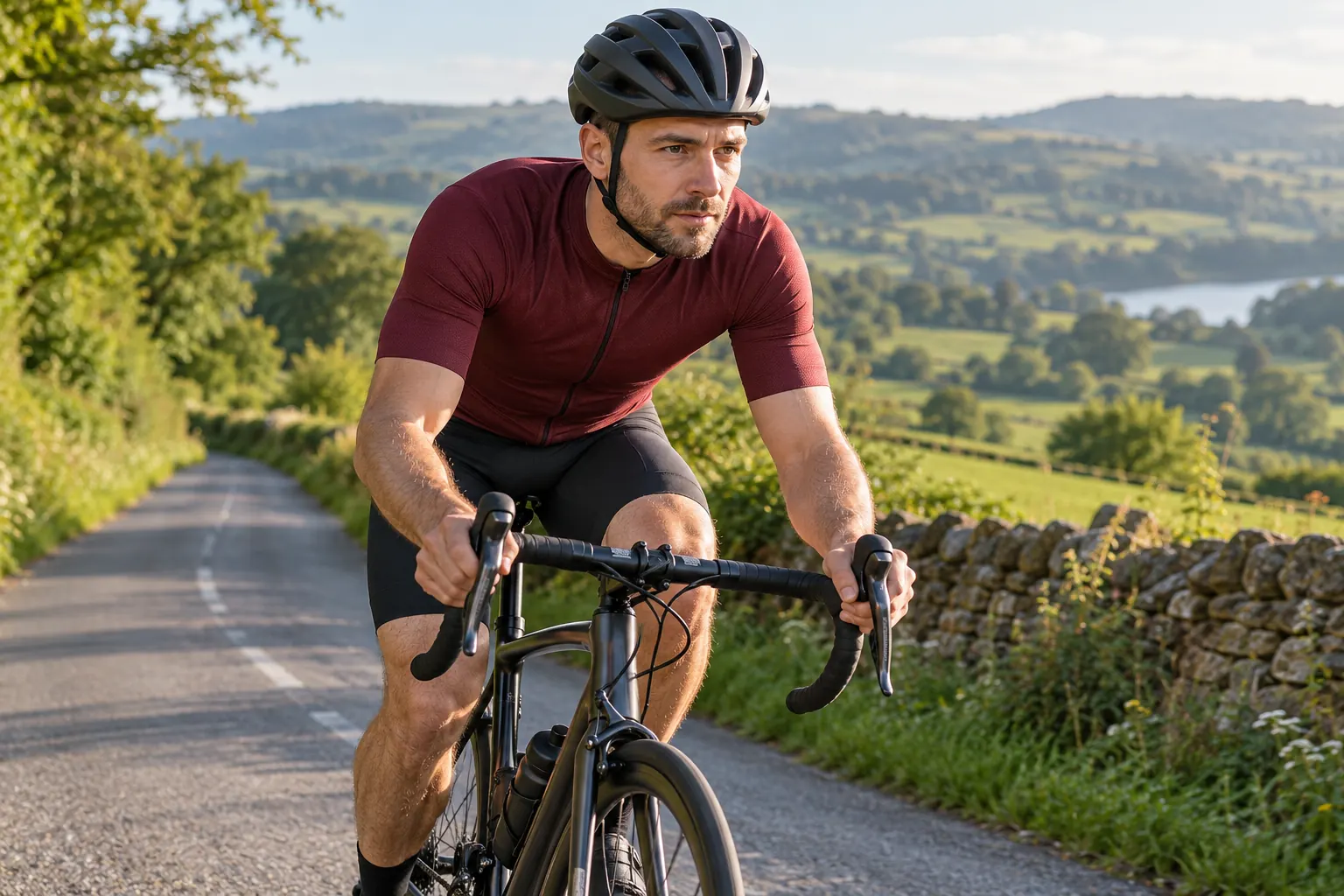
Sports & action shots
01 / READY WHEN YOU UPLOAD
Unblur Image with a Ready-to-Use AI Model
Upload your photo and let UnblurPic enhance it automatically. Compare the result with your original, then save the version you want.
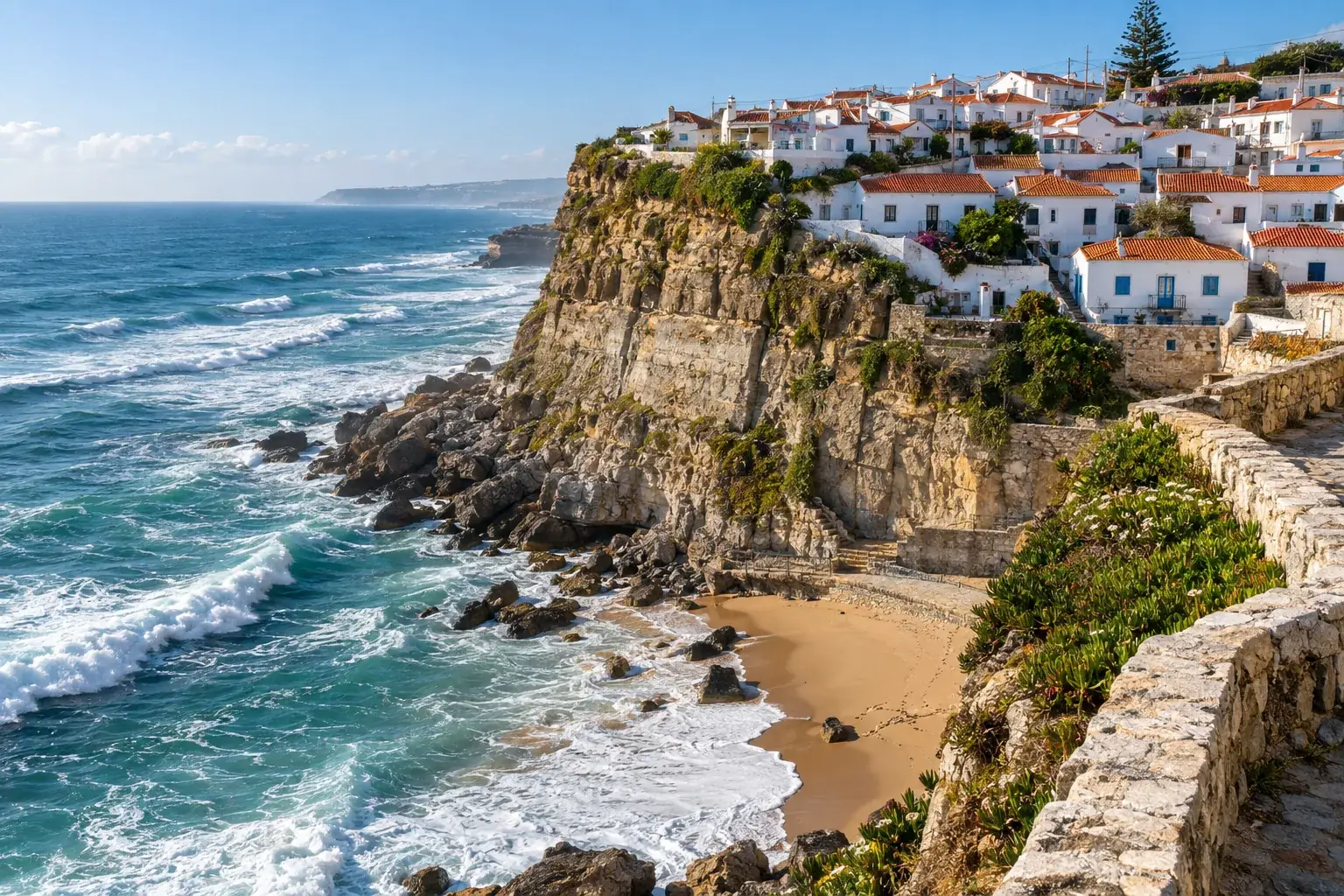
02 / DIFFERENT CAUSES OF BLUR
Fix Motion Blur, Missed Focus, and More
Unblur Image covers familiar photo problems: movement, a shaky camera, soft focus, and compression. Each leaves a different mark on the picture.
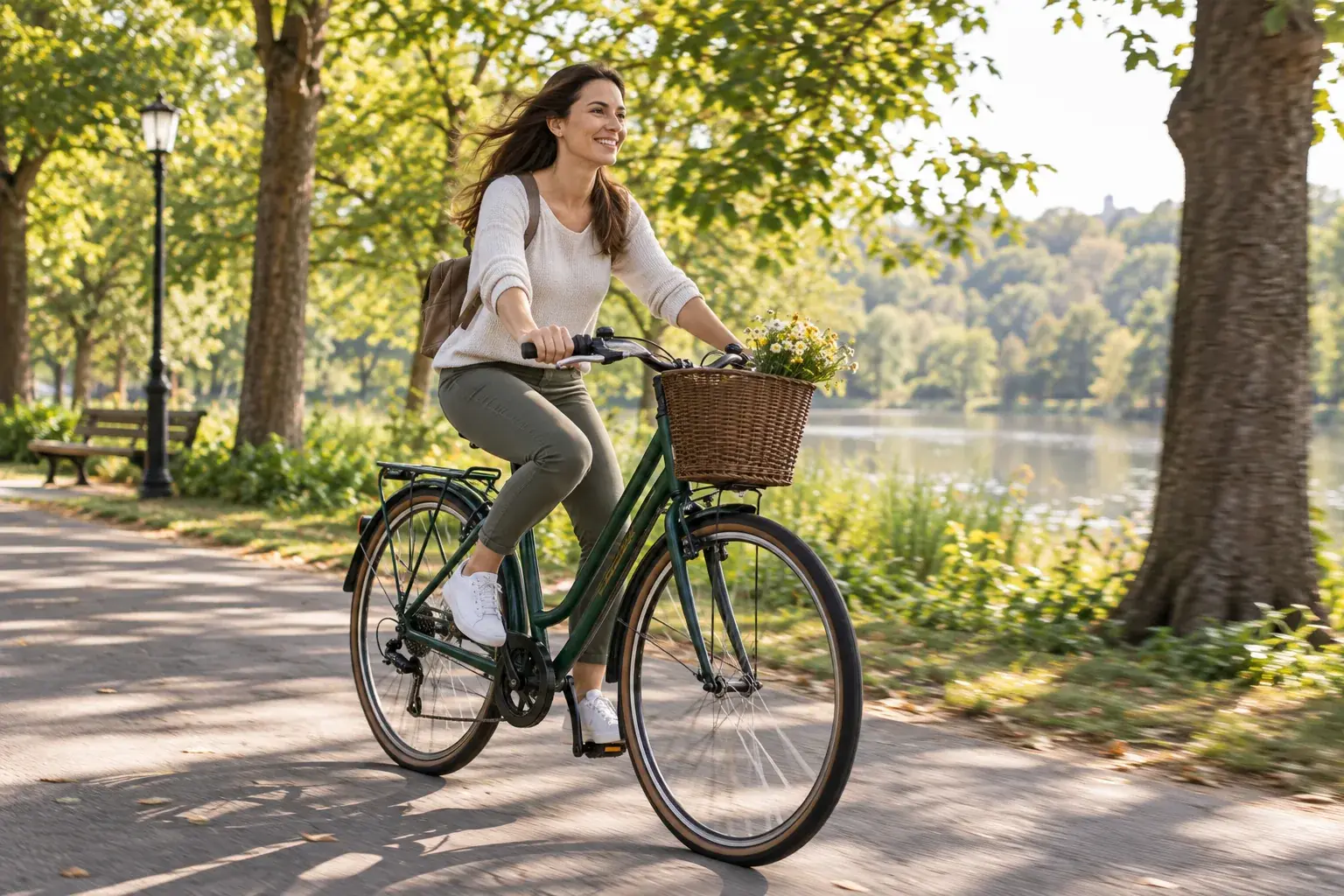
Moving subjects
Movement spreads a subject's edges into streaks. AI Unblur Image helps reduce that smearing around a running pet or moving person, making the outline easier to distinguish.
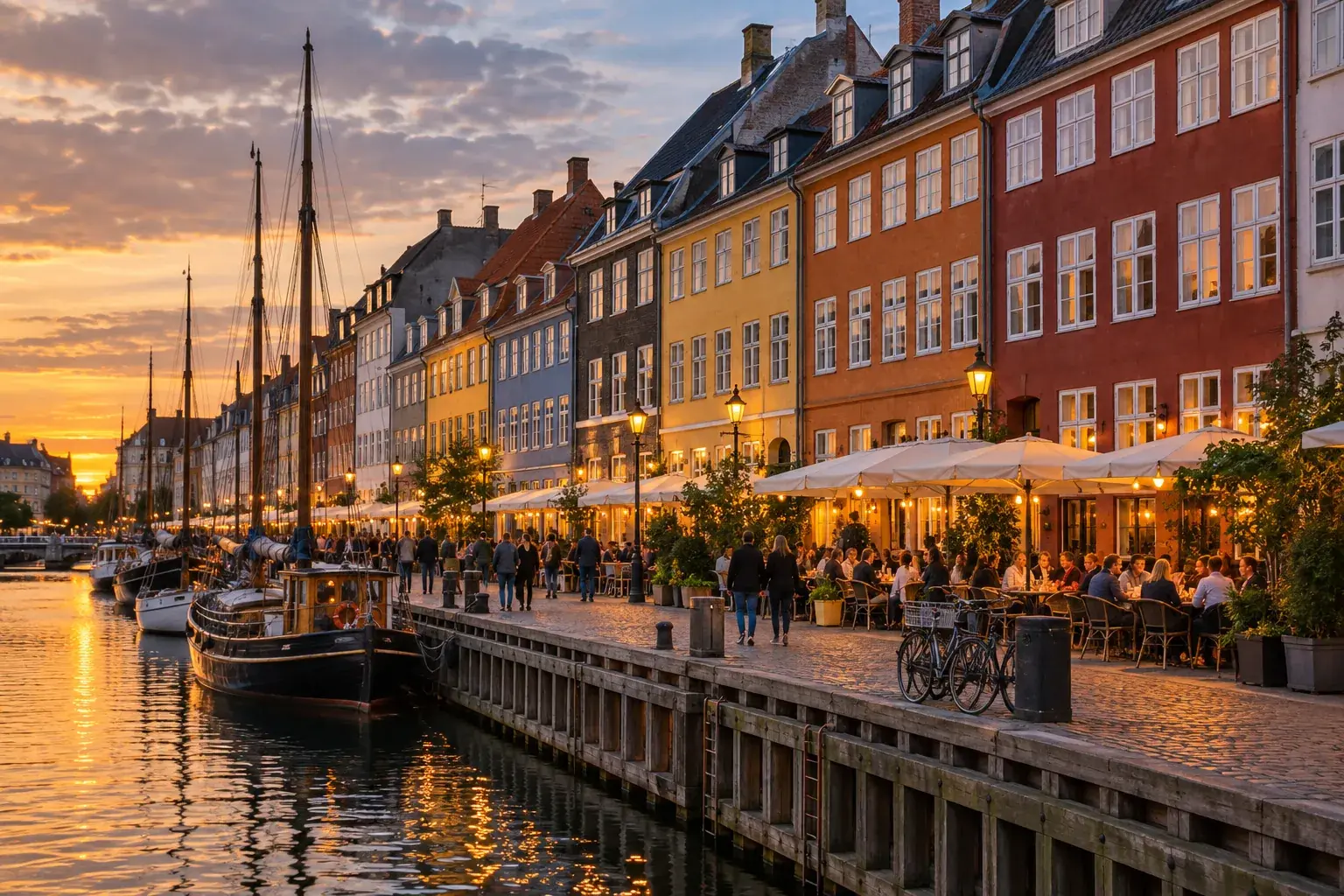
Camera shake
Handheld shots can blur across the whole frame, especially in low light. Unblur Image improves edge definition in these photos, from buildings in the background to the person in front.
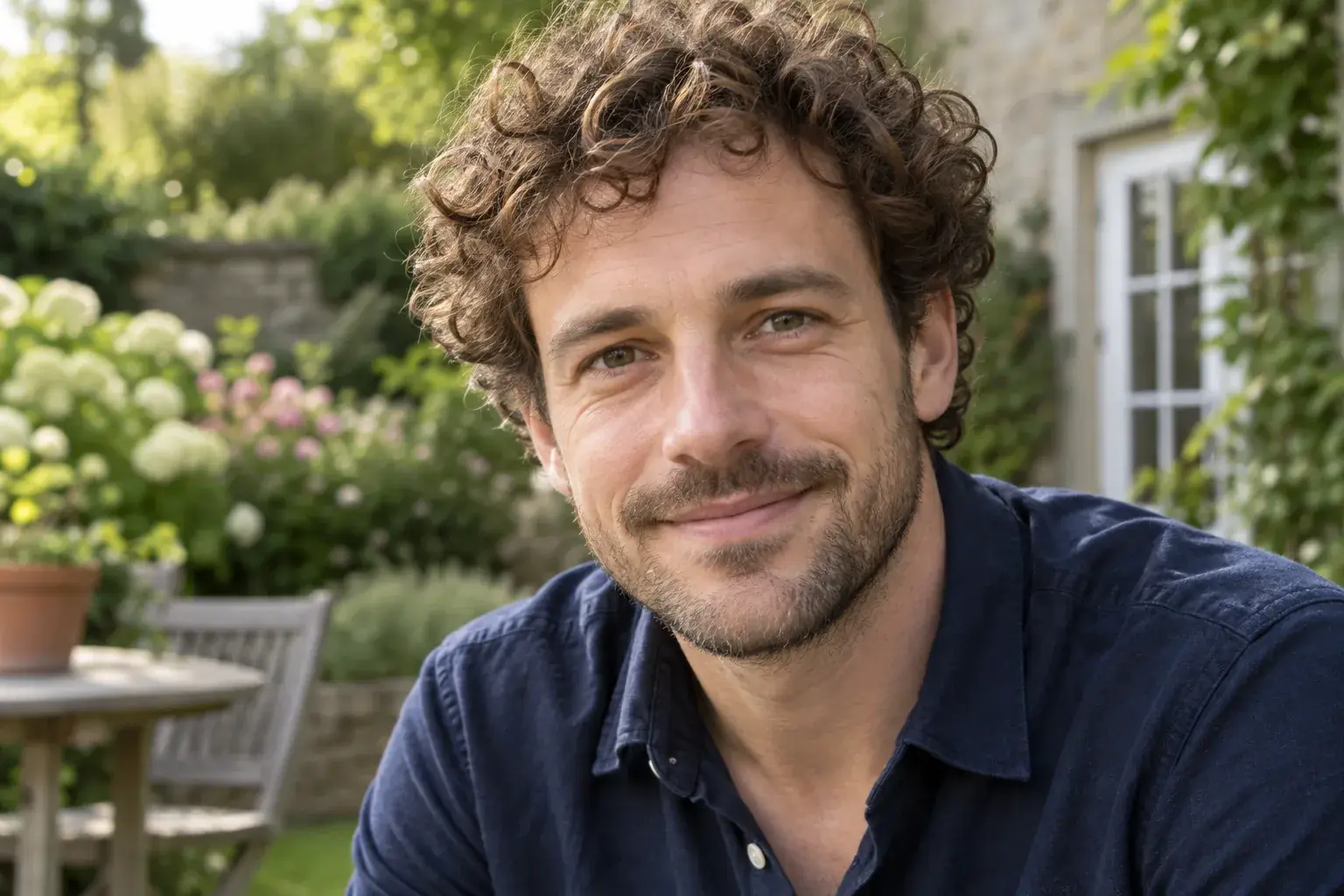
Missed focus
When the camera focuses behind your subject, the face or object looks soft. Unblur Image adds definition where a small focus error has left details difficult to see.
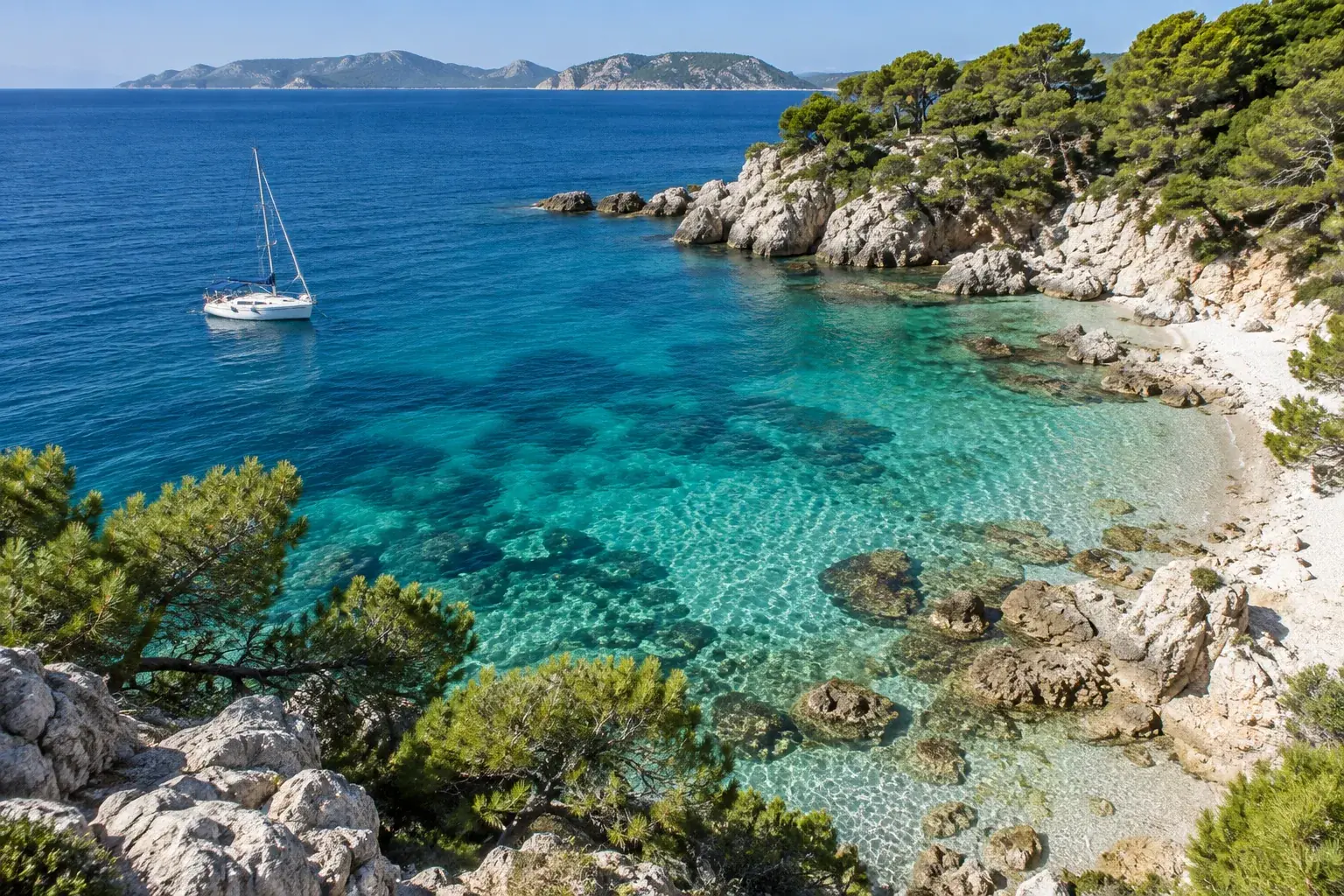
Compression and resizing
Repeated sharing can leave blocky edges and muddy texture. Use Unblur Image to clean up the appearance of downloaded or resized copies when the full-quality original is unavailable.
03 / THE PARTS THAT MAKE A PHOTO
Unblur Image Details That Draw the Eye
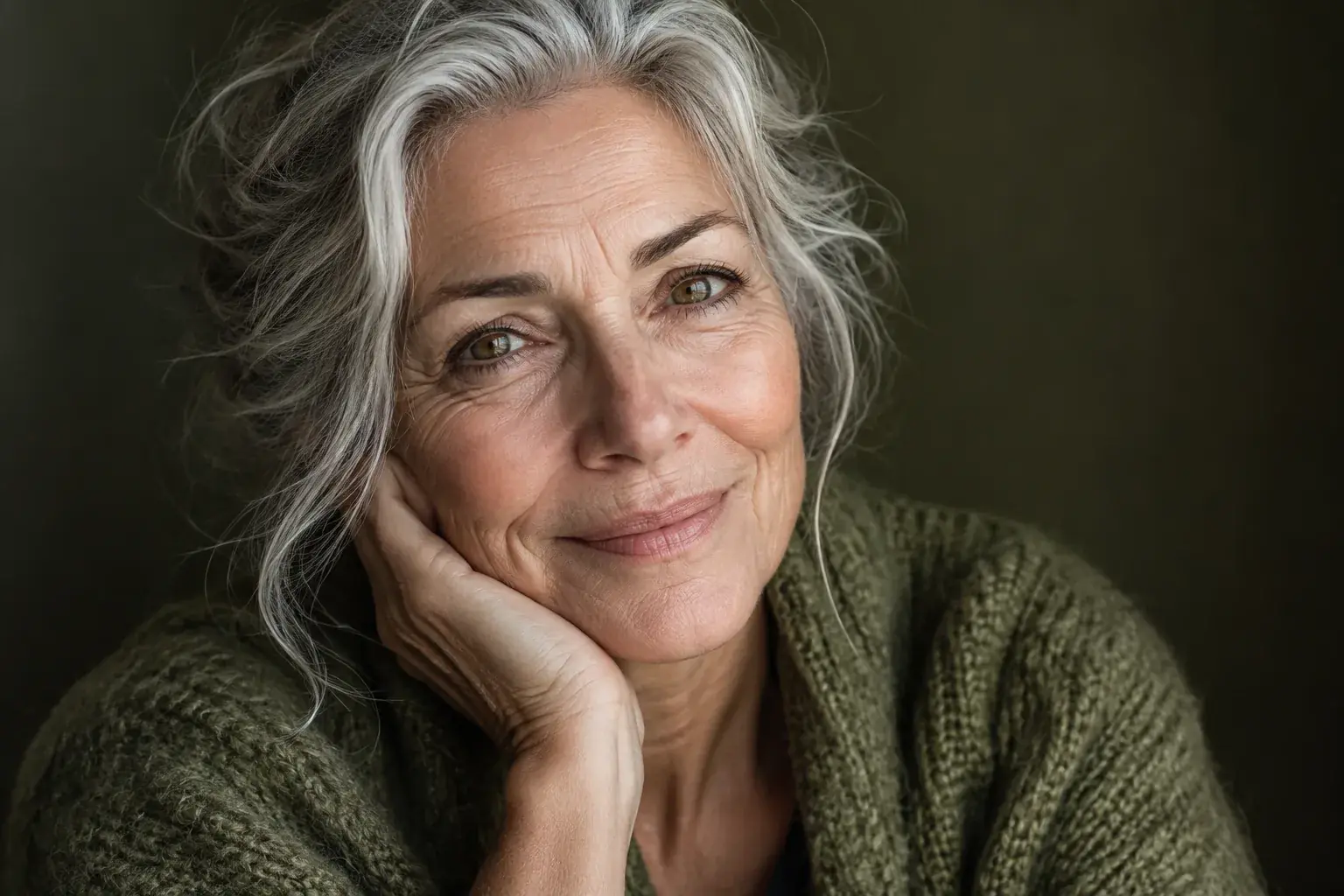
In a portrait, definition around the eyes and hair makes the subject stand out. AI Unblur Image improves these soft boundaries so expressions and facial contours are easier to see.
Small lettering needs a different touch. Improve the separation between characters in a sign, a label, or a photographed page so the image is easier to read.
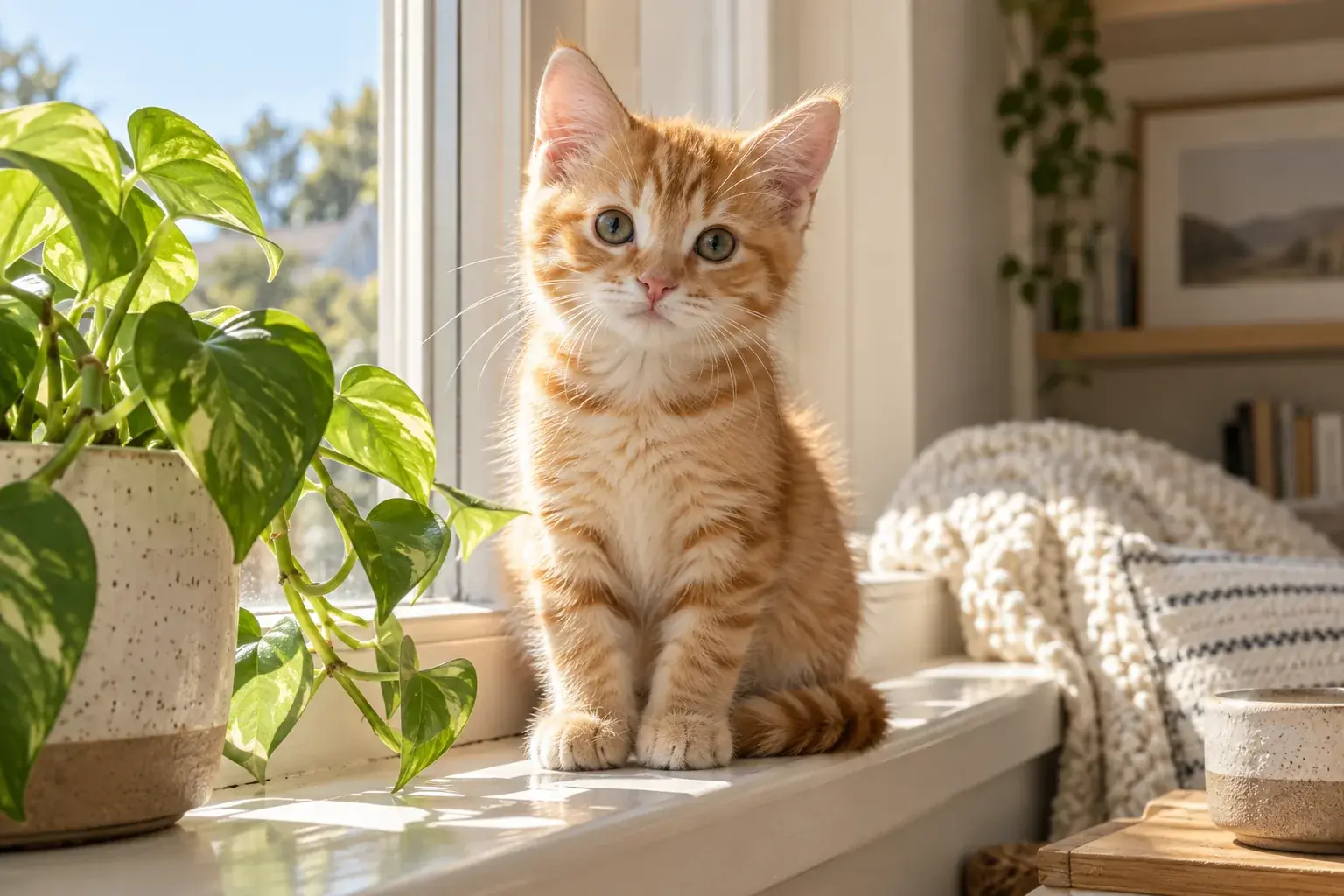
Unblur image textures that otherwise blend together: a pet's coat, knitted fabric, or leaves against a busy background. Bring out the surface detail that gives each subject its character.
Sharpen My Photo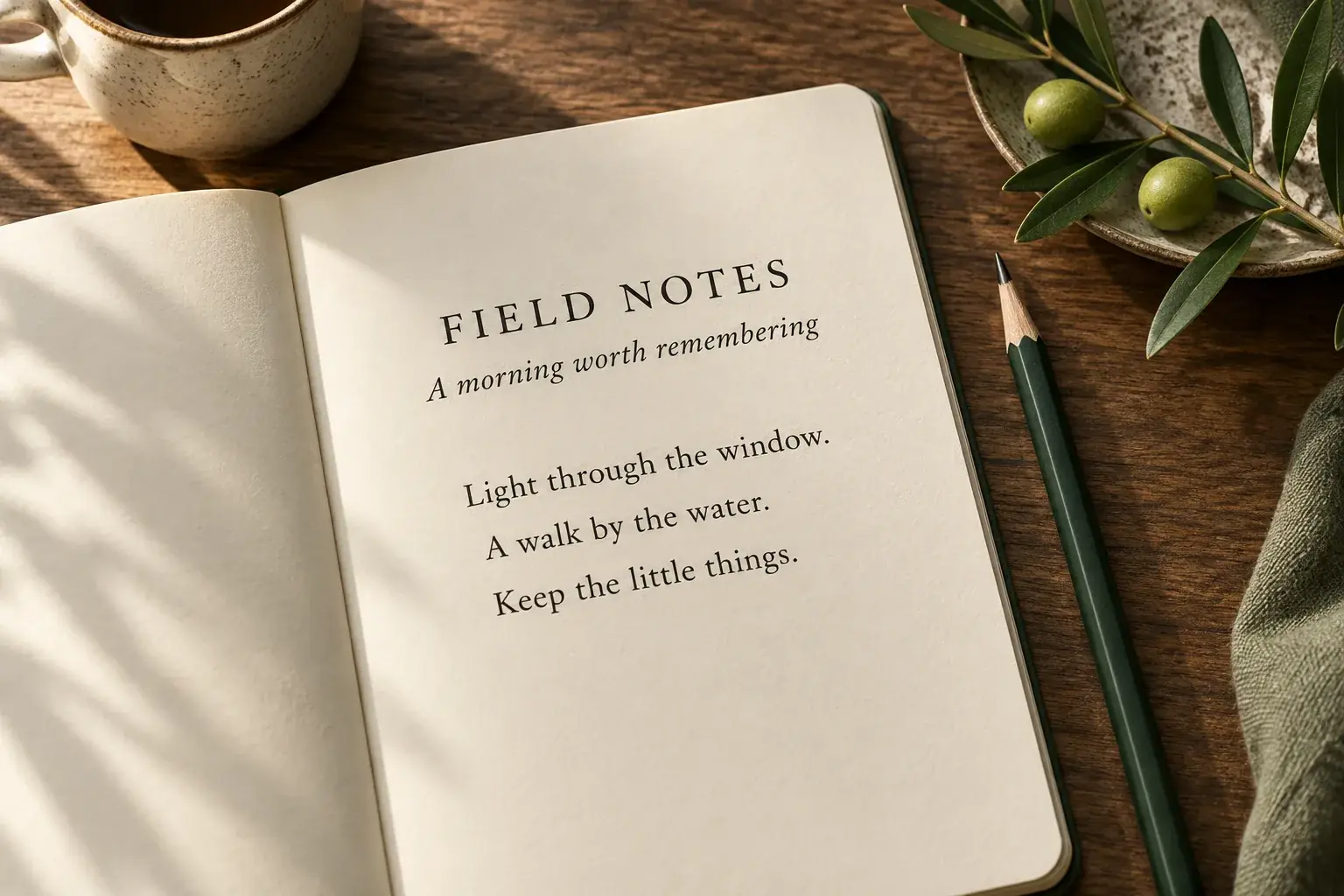
HOW IT WORKS
How to Unblur an Image Online
Upload once. Let the default model process your photo. Download the result.
1. Upload your image
Upload a JPG, PNG, or WebP up to 20 MB. Enhancement starts automatically.
2. View the processed photo
Compare the enhanced photo with your original and zoom in to check the details.
3. Download the result
Save your enhanced photo without a watermark. Your original stays unchanged.
MORE IMAGE & VIDEO TOOLS
Continue with the Right Tool
COMMON QUESTIONS
Unblur Image FAQ
Answers about uploads, credits, and results.
How is AI Unblur Image different from sharpening?
A sharpening filter increases contrast along existing edges. AI enhancement can also estimate finer structure within blurred areas, changing textures and details as well as edge definition.
How do I pay for Unblur Image?
Sign in and choose a monthly plan or a one-time image credit pack. Each successful enhancement uses 1 credit. Existing credits remain available, and failed processing returns the reserved credit.
How are my photos processed?
Your photo is processed by our enhancement service and its model provider. Large files may be resized. AI estimates detail, so compare important faces, words, and numbers with your original.
Do I need to write a prompt?
No. Unblur Image automatically uses the default model after upload. You do not need to choose a model, describe the scene, or enter editing instructions.
How can I get a better result?
Start with the best original you have. If a small subject matters most, crop around it before uploading; Unblur Image resizes large files, so unnecessary background can leave fewer pixels for the subject.
Is unblurring the same as increasing resolution?
No. Unblur Image improves perceived clarity. Enhancement may also enlarge the processed copy, but more pixels do not necessarily mean more accurate detail from the original.
Can I upload HEIC or animated GIF files?
Convert HEIC to JPG or PNG first. For a GIF, export the frame you want as a still image. Unblur Image accepts JPG, PNG, and WebP.
Can I use Unblur Image on my phone?
Yes. Open the page in your mobile browser and choose a photo from your library. Keep the page open while it processes, then save the download to your device.
Why did my upload fail?
Check the Unblur Image status message. An unsupported file, insufficient credits, or service interruption can stop processing. Follow the message before retrying rather than submitting the same photo repeatedly.
Can Unblur Image fix a completely blurred photo?
It may improve the appearance, but it cannot establish what missing detail originally looked like. Severe motion trails or an unrecognizable face can remain difficult, even with a stronger model.
Unblur Image Online with UnblurPic
Start with the photo you want to use. Upload it for automatic enhancement, compare the result, and download a clearer copy.
Unblur Image Now